How to Check In Families and Plus-Ones at Events
Companion check-in at events: own-ticket vs walk-in modes, count-only parties, correcting party size at the door, and importing families from Excel.
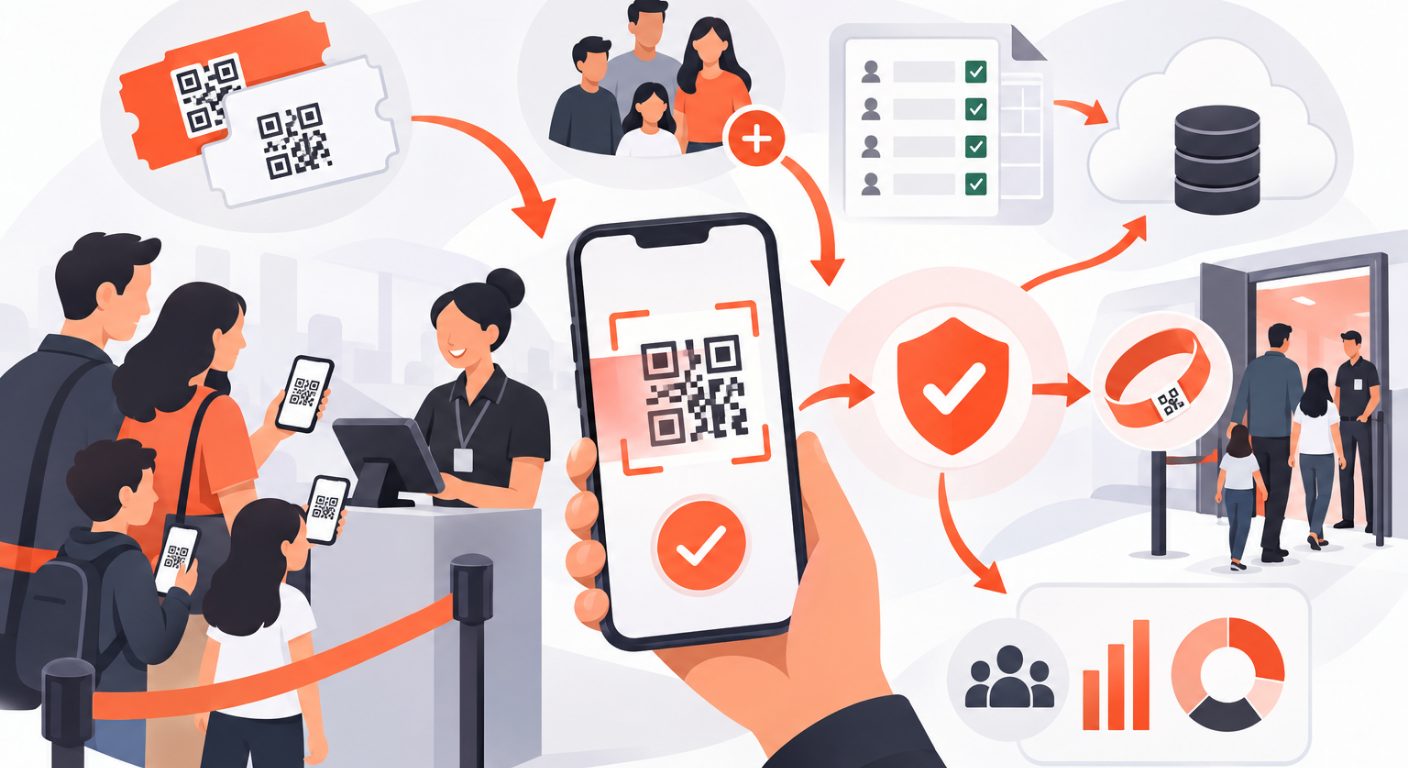
The Party That Blocks the Whole Check-In Line
A guest arrives at your gala with “my wife, my two kids, and my assistant — is that okay?” Now your door staff are doing live arithmetic: how many people is this ticket good for? Do the kids have tickets? Does anyone scan anything?
Multiply that by a hundred families and your fast QR lane becomes a negotiation queue. The problem is almost never the guests — it is an event that never decided how companions enter. Fix that decision up front and families become a non-event at the door.
Two Ways Companions Enter
Every event that allows companions picks a mode, and the choice shapes everything downstream:
| Own ticket | Walk-in | |
|---|---|---|
| Each companion is | a real guest row with their own name and QR code | riding on the primary’s ticket — one QR admits the whole party |
| Check-in | individually, like any guest | together with the primary, one scan |
| Best for | conferences, seminars — named attendance matters | galas, family days, company parties — the party arrives together |
Own ticket gives you per-person data: who exactly attended, per-companion custom answers, individual re-entry. Walk-in gives you speed: one scan, party chips showing everyone, done.
Whichever you pick, set the companion allowance — the maximum each guest may bring. Zero disables companions entirely, and companion columns disappear from forms and imports. The allowance is your capacity guard: the door and the import both respect it automatically.
Count-Only Mode: When You Just Need the Headcount
Many events don’t care who the plus-ones are — catering just needs to know how many mouths. For those, walk-in mode offers count-only companions: instead of named rows, each guest carries a simple “+N” headcount.
- The guest table shows a static +N badge instead of an expandable family
- The count stays editable after the fact — a signed number input where positive adds and negative removes, with a live preview, and every edit is one atomic server call so two organizers editing simultaneously can never corrupt the number
- The guest’s ticket page and the scanner show the party total, so the door still sees “4 people on this ticket”
Count-only is the sweet spot for BBQ events, team outings, and festivals with per-company quotas: zero data entry for companions, full headcount control.
At the Door: Party Chips and Live Corrections
On walk-in events, the scanner’s result card shows the primary guest with their companions as party chips. Two things make the door flow smooth:
Door staff can correct the party size on the spot. The guest said “+2” when registering but shows up with +3? If the event allows scanners to edit companions, staff fix the number right on the scan screen — no CMS access, no phone call to the organizer. (Ticketed companions can’t be edited at the door — a named guest with their own QR is a data change, not a door decision.)
The party moves as one. On walk-in events, check-in, check-out, and re-entry apply to the whole party. A re-scan reports the party total; checking the primary out checks everyone out; the next scan admits everyone again. Nobody gets stranded outside while their spouse is still inside the system.
Events that think purely in totals can go one step further and switch the scanner to ticket-count-only display — the door shows one total number per party instead of separate ticket and companion counts.
Managing Families in the Guest List
In the CMS guest table, guests with companions carry a +N chip next to their name. Tap it and the family expands into nested rows with the full detail of any primary: name, email, tier, check-in state, custom fields — and the full row-actions menu, so you can edit a companion, resend their ticket, or manually check them in without touching the primary.
Two behaviors worth knowing:
- Companion identity is optional. If you only track counts, leave name and email blank — the system fills a “Companion N” placeholder where identity is strictly needed.
- Companions inherit the primary’s custom answers. Dietary restrictions, organization, t-shirt size — the party’s information rides along on every ticket automatically.
Importing Parties from Excel
Companions don’t complicate the import. Your file can express a family two ways:
- A companion-of column that references the primary’s row number in the file — forward references work, and the link is validated before anything is saved
- A number-of-companions column — a row with 2 creates the guest plus two blank companions who inherit their email and tier
The two columns are mutually exclusive per row, and both respect the event’s companion allowance, so an import can never quietly oversell your capacity.
Conclusion
Families and plus-ones only slow down events that never decided how to handle them. Choose the companion mode that matches how your guests actually arrive, cap it with an allowance, and give the door the tools to correct reality in seconds. QRS supports own-ticket and walk-in companions, count-only parties, and door-side party editing — so the family of five goes through in one scan.
Found this helpful?
Explore more articles on this topic