Event Check-in Software: A Complete Selection Guide for 2026
A comprehensive guide to choosing the right event check-in software in 2026. Compare key criteria, must-have features, and evaluate top solutions.
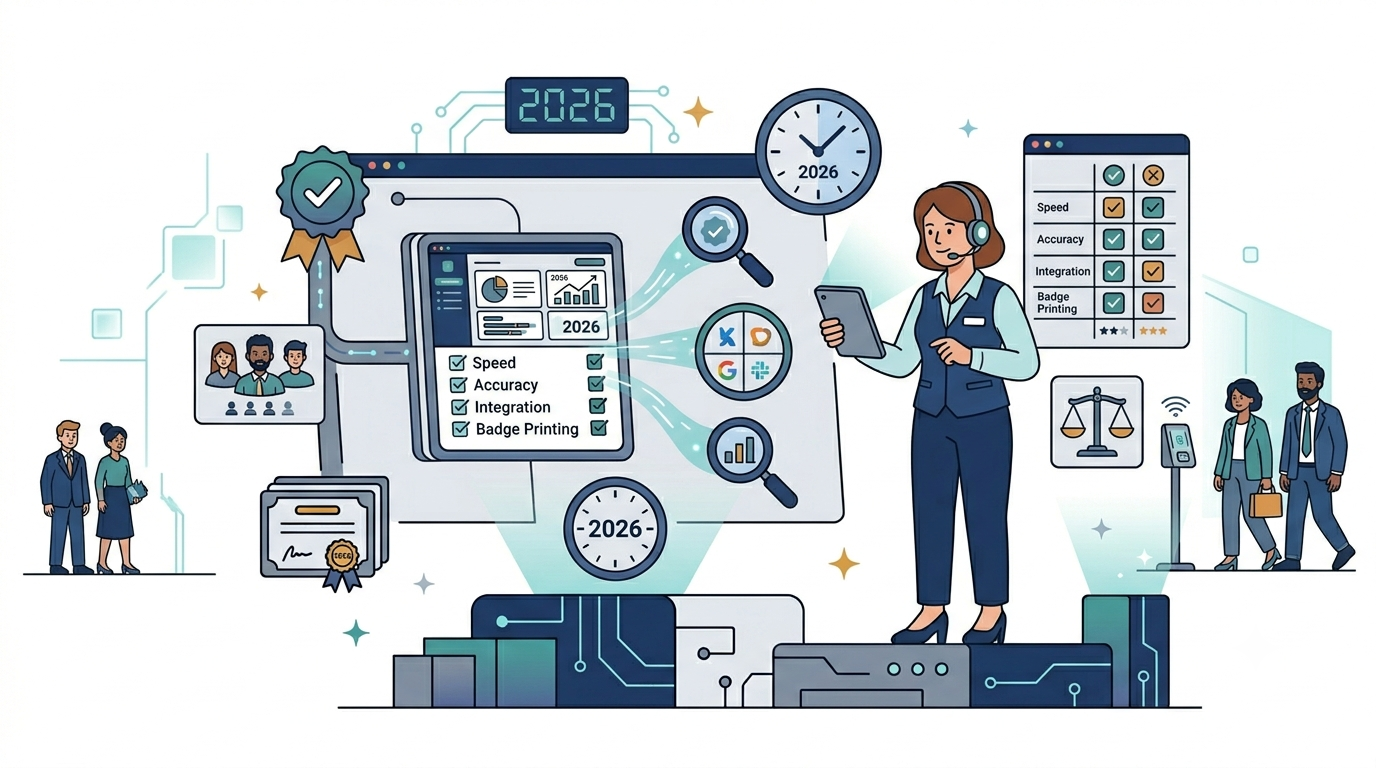
TL;DR: Event check-in software automates guest registration to departure using QR code, barcode, NFC/RFID, or facial recognition technologies. For most events of 100–10,000 guests, a QR code solution that checks in at least 1 person/second/gate, works fully offline, and offers real-time reporting plus duplicate-ticket fraud prevention is the 2026 standard.
Why You Need Event Check-in Software
Managing guests at events is more complex than ever. Conferences with thousands of attendees, multi-day events, multiple ticket types, and demands for personalized experiences have made manual methods obsolete. Event check-in software automates the entire process from registration to departure.
In 2026, with the ubiquity of smartphones and QR code technology, check-in software is no longer a luxury — it’s an essential tool for every professional event.
Types of Event Check-in Software
QR Code Scanning Software
The most popular type today. The system generates a unique QR code for each attendee, and staff simply scan to verify. The biggest advantage is speed — each scan takes only 1-2 seconds.
Barcode Scanning Software
Similar to QR but uses traditional barcodes. Better suited when tickets are printed on paper, but slower and holds less information.
NFC/RFID Software
Uses cards or wristbands with NFC chips. Attendees simply tap the reader to check in. Ideal for multi-day events like music festivals where multiple check-ins are needed.
Facial Recognition Software
The newest technology, using AI to recognize attendees’ faces. Still in its early stages but promising for high-security events.
8 Key Criteria for Choosing Software
1. Check-in Speed
The most important criterion. A good solution must check in at least 1 person/second/gate. With 1,000 guests and 4 check-in points, all guests should enter in under 5 minutes.
2. Offline Mode
Events often take place in locations with unstable internet — convention centers, stadiums, outdoor venues. The software must work fully offline and sync data when connectivity resumes.
3. Real-time Reporting
Organizers need to know immediately how many people have checked in, how many haven’t arrived, and which gates are congested. A visual dashboard is a must-have.
4. Customization
Every event has different processes — check-in by ticket type, zone assignment, badge printing, meal confirmation. The software must be flexible enough to adapt to specific needs.
5. Ticketing Integration
Check-in software must connect directly with ticketing platforms (Eventbrite, Ticketmaster, or custom systems). Ticket data should sync automatically without manual entry.
6. Multi-device Support
Must work on various devices: iPhone, Android, iPad, dedicated scanners. Check-in staff should be able to use devices they already have without additional investment.
7. Fraud Prevention
The system must detect fake tickets, used tickets, and copied tickets immediately. Each code can only be scanned once, with instant warnings for duplicates.
8. Data Security
Attendee information is sensitive data. Software must comply with data protection regulations (GDPR, PDPD), encrypt data, and have clear access controls.
Comparison of Popular Solutions
| Criteria | QRS | Solution A | Solution B | Manual Excel |
|---|---|---|---|---|
| Check-in speed | 1-2s/person | 2-3s/person | 3-5s/person | 15-30s/person |
| Offline mode | Yes | Yes | No | No |
| QR Code | Yes | Yes | Yes | No |
| Real-time reports | Yes | Yes | Limited | No |
| Fraud prevention | Automatic | Automatic | Manual config | No |
| Customization | High | Medium | Low | No |
| Cost | Reasonable | High | Low | Free |
| Best for | Any size | Large events | Small events | < 50 guests |
How to Implement Check-in Software
Step 1: Assess Your Needs
Determine event size, guest count, ticket types, number of check-in points, and special requirements (badge printing, zone assignment, check-out).
Step 2: Choose a Solution
Based on the comparison above, select a solution that fits your budget and requirements. For most events with 100-10,000 guests, QR code solutions are optimal.
Step 3: Set Up and Test
Create the event in the system, import guest lists, set up check-in points. Run through the entire process at least 2 days before the event.
Step 4: Train Staff
Guide staff on using the scanning app, handling special cases (non-working codes, guests without codes, ticket changes).
Step 5: Monitor and Optimize
During the event, monitor the dashboard to detect congestion and coordinate staff. After the event, analyze reports to improve for next time.
Event Check-in Trends for 2026
- QR code becomes the standard — nearly every platform supports it
- Self check-in kiosks — attendees scan their own codes, reducing staff needs
- AI analytics — analyzing attendee behavior, predicting attendance volumes
- CRM integration — syncing attendee data with customer relationship management systems
- Green check-in — minimizing printing, 100% digital tickets
Conclusion
Choosing the right event check-in software directly impacts attendee experience and operational efficiency. In 2026, a QR code solution with offline mode, real-time reporting, and fraud prevention is the minimum standard. QRS provides a complete check-in platform that meets every requirement from small events to conferences with thousands of attendees, at a reasonable cost and easy to deploy.
Frequently Asked Questions
How fast should event check-in software be?
A good solution should check in at least 1 person per second per gate. With 1,000 guests and 4 check-in points, every guest should be inside in under 5 minutes. QR code scanning typically takes 1–2 seconds per attendee, which is why it is the most popular check-in method in 2026.
Why is offline mode essential for check-in software?
Events are often held in convention centers, stadiums, and outdoor venues with unstable internet. The software must work fully offline and sync data automatically once connectivity returns, so check-in never stops even if the venue network drops.
How does check-in software prevent ticket fraud?
The system issues a unique QR code per attendee and allows each code to be scanned only once. If a fake, copied, or already-used ticket is presented, the software warns staff instantly, blocking duplicate or fraudulent entry without manual checks.
Which type of check-in technology is best for multi-day events?
For multi-day events such as music festivals where attendees check in repeatedly, NFC/RFID wristbands or cards are ideal because a single tap re-enters the guest each time. For single-day conferences and ticketed events, QR code scanning offers the best balance of speed, cost, and device compatibility.
Sources
- ISO/IEC 18004:2015 — Information technology — Automatic identification and data capture techniques — QR Code bar code symbology specification — the international standard defining the QR Code symbology referenced throughout this guide.
- Eventbrite Social Study: Event Trends Shaping the Year Ahead — event industry trend report from a major ticketing platform, useful context for 2026 check-in and attendance behavior.
- Cvent Blog: Event Statistics Shaping the Industry — aggregated event industry benchmarks covering attendance, technology adoption, and planner practices.
- EUR-Lex — Regulation (EU) 2016/679 (GDPR) — the official EU legal text for the data protection regulation that check-in software handling attendee data must comply with.
Found this helpful?
Explore more articles on this topic