How to Classify VIP, Guest, and Sponsor Tickets
A detailed guide to classifying and managing VIP tickets, special guests, and sponsors: privileges, dedicated check-in processes, and on-site organization.
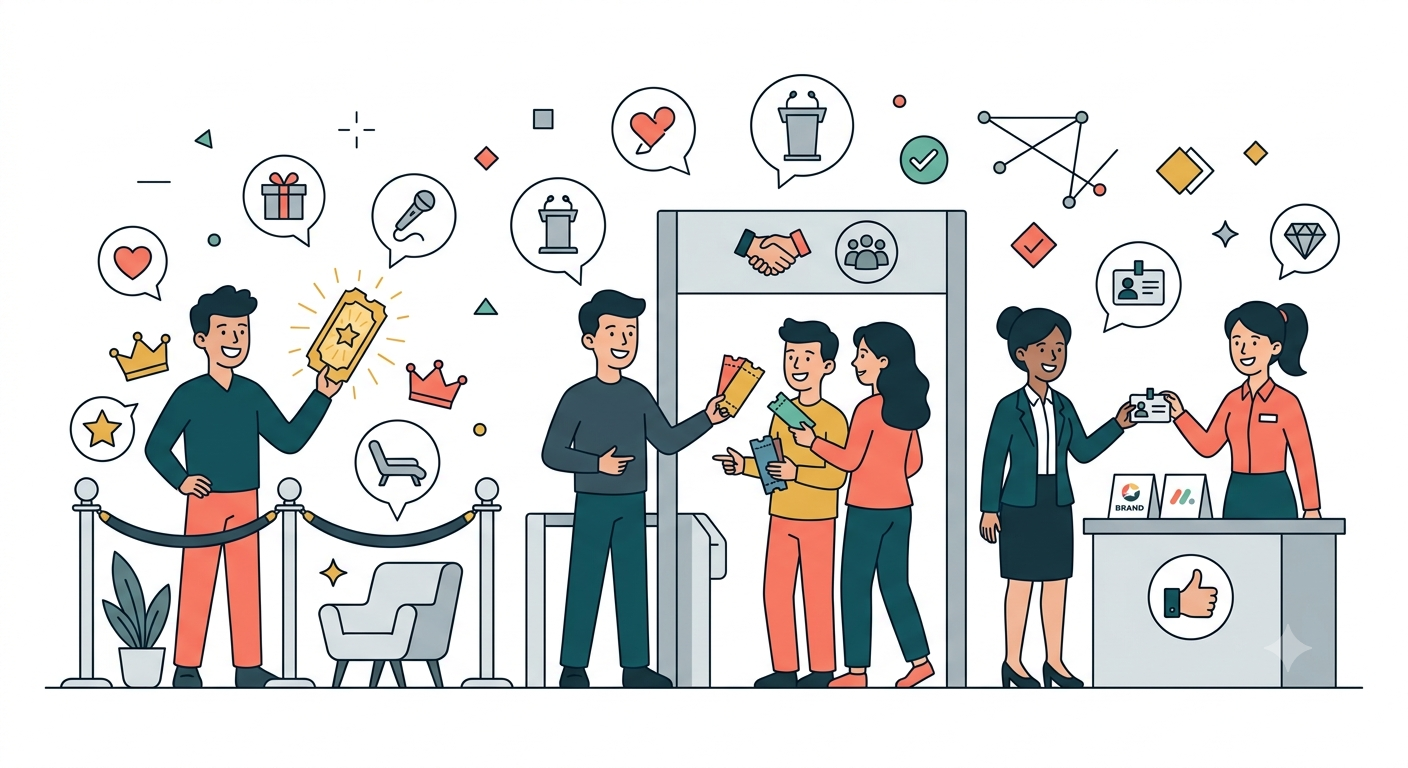
Why Ticket Classification Matters
Have you ever seen VIP guests queuing alongside general attendees, sponsors without dedicated seating, or media personnel unsure about where they’re allowed to film? That’s the result of poor ticket classification.
Ticket classification isn’t just about “assigning seats” — it determines the experience for each guest group and affects relationships with partners, clients, and sponsors. Done right, everyone feels respected. Done wrong, the entire event is perceived poorly.
5 Main Guest Categories at Events
1. VIP — Special Guests
Who belongs here:
- C-level executives (CEO, Chairman, Directors)
- Guest of honor (keynote speaker, celebrity)
- Important strategic partners
- Government/regulatory representatives
Required privileges:
- Private entrance, no queuing
- Dedicated lounge/waiting area before the main hall
- Front-row seating (rows 1-3)
- Private catering or VIP dinner
- Exclusive gifts (premium gift bag, catalogue)
- Car service (if applicable)
- Personal greeter
Management approach:
- Clearly mark “VIP” on badge (gold or metallic color)
- Check in at dedicated gate with personal greeter
- Reserved name cards at seats
- Separate VIP list printed for coordinators
2. Speaker / Presenter
Who belongs here:
- Keynote speakers
- Panel members
- Event MC
- Workshop facilitators
Required privileges:
- Green room / private room before going on stage
- Technical support (slide test, microphone check)
- Front-row seating
- Private catering (on schedule, no queuing)
- Priority parking
- Thank-you gift after presentation
Management approach:
- Red or orange badge
- Check in at least 1 hour before opening
- Dedicated technical staff contact
- Detailed speaking schedule with times
3. Sponsor
Who belongs here:
- Diamond/Gold/Silver sponsorship company representatives
- Co-organizing partners
- In-kind sponsors (catering, venue, media)
Privileges vary by sponsorship tier:
| Tier | Check-in Privileges | Booth | Logo | Comped Tickets |
|---|---|---|---|---|
| Diamond | Dedicated VIP check-in | Large premium booth | Largest logo | 20 tickets |
| Gold | Priority check-in | Medium booth | Medium logo | 10 tickets |
| Silver | Priority check-in | Small booth | Small logo | 5 tickets |
| In-kind | Standard check-in | None (or small) | Small logo | 2-3 tickets |
Management approach:
- Each sponsor has a unique sponsorship code
- Sponsor ticket quantities managed separately from general tickets
- Sponsor staff check-in against the list provided by the sponsor
- Separate attendance report for each sponsor post-event
4. Media / Press
Who belongs here:
- Newspaper journalists
- Bloggers, vloggers
- Freelance photographers, videographers
- TV, radio crews
Required privileges:
- Dedicated filming/photography area (media pit)
- Press kit (press release, images, event documents)
- Dedicated WiFi (if available)
- Seating in media area
- Clear guidelines on filming rules (restricted areas, timing)
Management approach:
- Blue badge with prominent “MEDIA” text
- Separate check-in at media gate
- Distribute press kit and media armband/badge at the desk
- Pre-approved media list (must register in advance, no walk-ins)
5. Delegate / General Attendee
Who belongs here:
- Standard ticket holders
- Conference delegates
- Regular invited guests
Required privileges:
- Main hall seating
- Event materials (brochure, program)
- Meals and refreshments
- Access to networking areas
Management approach:
- White or green badge
- Check in at main gates, potentially multiple lanes
- Seating allocation by zone (A, B, C)
Designing Your Classification System
Badge Color Coding
Color coding enables instant recognition:
| Badge Color | Group | Purpose |
|---|---|---|
| Gold | VIP | Quick identification for special treatment |
| Red | Speaker | Technical staff knows who needs support |
| Blue | Media | Security knows who has filming rights |
| Purple | Sponsor | Staff knows who has booth access |
| Green | Delegate | Largest group, process quickly |
| Orange | Staff/Volunteers | Who has backstage access |
Dedicated Check-in Lanes
Instead of one gate for everyone, set up dedicated lanes:
- VIP Gate: Private, staffed with greeter, no queue
- Speaker Gate: Early check-in, directions to green room
- Media Gate: Distribute press kit and media badge
- Sponsor Gate: Verify list, issue booth access
- Delegate Gates: 2-4 parallel lanes, fast processing
Each gate only accepts the corresponding ticket type. When a QR code is scanned, the system displays the ticket type — if at the wrong gate, staff direct them to the right one.
System Management
In a management system (like QRS), ticket classification is configured as:
- Create ticket types in CMS with names and privileges
- Link QR codes to the corresponding ticket type
- Configure check-in gates to accept only specific ticket types
- Dashboard displays real-time check-in counts by ticket type
- Post-event reports analyze each group separately
Common Mistakes
No Dedicated VIP Lane
VIP guests queuing with general attendees feels disrespectful and wastes the time of your most important people.
Not Managing +1 Tickets
VIP guests bring a companion but the system doesn’t record it, causing confusion at the check-in gate.
No Access Control
All guests can access every area, including backstage, green room, VIP lounge. Badges must control access privileges.
Forgetting Press Kits for Media
Journalists arrive at the event without receiving a press kit, lacking basic information to write their stories.
Conclusion
Classifying VIP, guest, and sponsor tickets isn’t just administrative — it determines each group’s experience and the event’s success. A good classification system needs clear color coding, dedicated check-in lanes, and strict access management. QRS supports automatic ticket classification with dedicated check-in lanes, helping you manage every guest group professionally and accurately.
Found this helpful?
Explore more articles on this topic