What is QR Check-in for Events?
A comprehensive guide to QR check-in for events: how it works, benefits, comparison with traditional check-in, and step-by-step implementation guide.
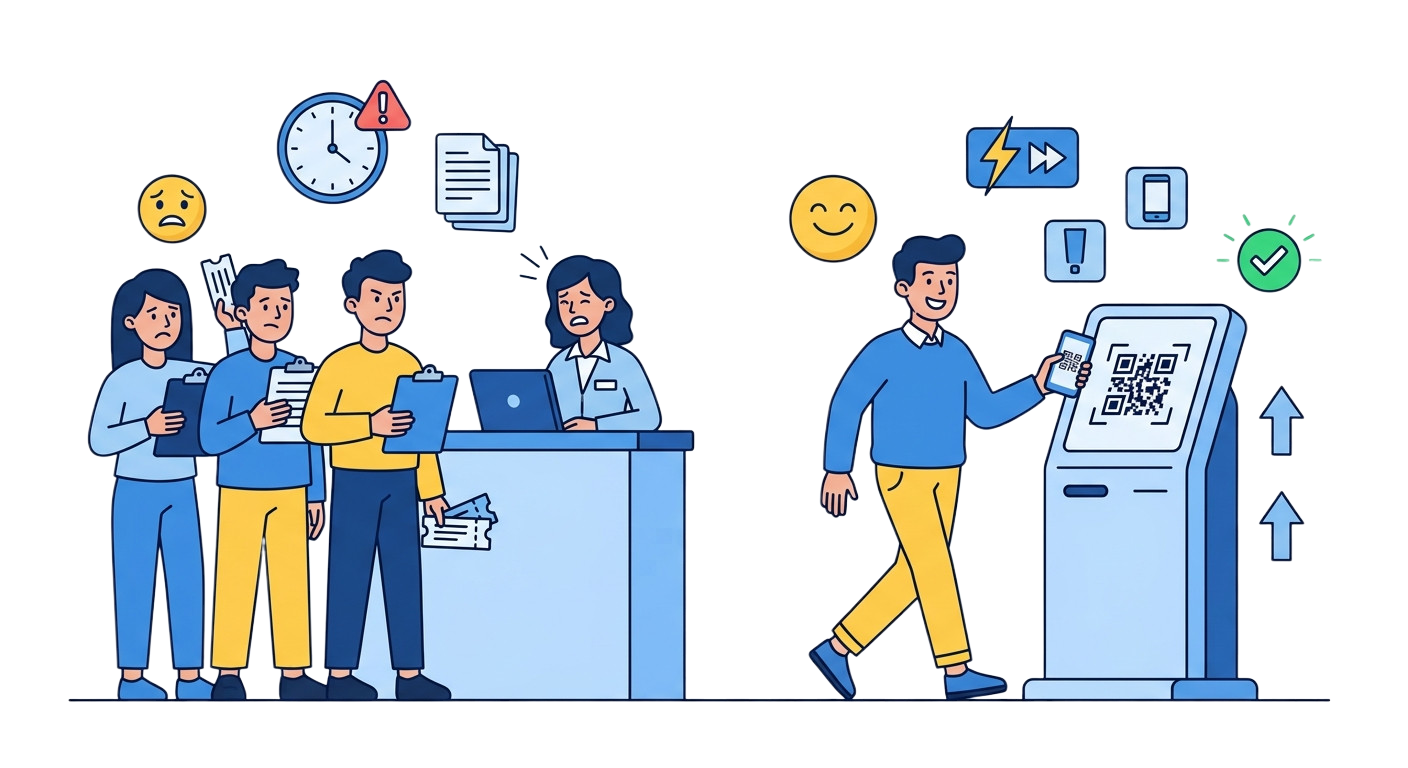
TL;DR: QR check-in for events is a check-in method that uses unique, single-use QR codes to verify attendee registration in 1-2 seconds per scan, replacing manual name matching or barcode scanning. It speeds up entry, eliminates check-in errors, prevents ticket fraud, and gives organizers real-time attendance data and post-event reporting.
What is QR Check-in for Events?
QR check-in for events is a solution that uses QR codes to verify attendance, replacing traditional methods such as name matching, stamping, or barcode scanning. Each attendee receives a unique QR code (via email, SMS, or app), and at the event, staff simply scan the code to complete check-in in seconds.
How QR Check-in Works
The QR check-in process consists of 4 main steps:
1. Generate QR Codes for Attendees
After a person registers, the system automatically generates a unique QR code linked to their registration information. The QR code is sent via confirmation email, SMS, or displayed in the event app.
Each QR code contains a unique identifier (UUID), ensuring it cannot be copied or forged. This code links directly to the attendee’s profile in the system.
2. Scan at Check-in Point
At the event entrance, staff use a QR code scanning app on their phone or a dedicated scanner. When scanned, the system immediately:
- Validates the code
- Displays attendee information (name, ticket type, registration desk)
- Updates check-in status in real time
3. Confirmation and Update
After a successful scan, the screen displays the confirmation status. The system automatically:
- Updates the attendee status to “Checked in”
- Records the exact check-in time
- Syncs data across all scanning devices
4. Reports and Analytics
After the event, organizers can view detailed reports:
- Real-time check-in rate
- Number of attendees by ticket type
- Average check-in time
- List of no-shows
Benefits of QR Check-in
Fast Check-in Speed
A single QR scan takes only 1-2 seconds, 10x faster than manual name matching. With multiple check-in points operating in parallel, thousands of attendees can enter in a short time.
Reduced Errors
QR check-in completely eliminates human errors such as:
- Checking in the wrong person
- Missing attendees
- Duplicate check-ins
- Incorrect ticket type confirmation
Better Attendee Experience
Attendees don’t need to wait in long lines. They simply open the QR code on their phone and present it to staff. This professional experience creates a positive impression from the moment they enter the event.
Real-time Data
Organizers can monitor check-in volume minute by minute, detect issues early such as congestion at entrances, and allocate staff accordingly.
Ticket Fraud Prevention
Each QR code is unique and can only be used once. If someone attempts to use an already-scanned code, the system displays an immediate warning. This effectively prevents ticket copying or sharing.
Comparison with Traditional Check-in
| Criteria | Manual Check-in | QR Check-in |
|---|---|---|
| Speed | 15-30 seconds/person | 1-2 seconds/person |
| Errors | High (wrong name, ticket) | Nearly zero |
| Fraud prevention | Hard to control | Automatic, effective |
| Real-time reporting | No | Yes |
| Staff cost | Requires more people | Fewer people needed |
| Experience | Long queues | Fast, professional |
| Post-event data | Manual compilation | Automatic, detailed |
Implementation Guide with QRS
Step 1: Create Event and Product
Log in to the QRS CMS, create a brand for your event. Then create products representing ticket types (e.g., VIP Ticket, General Admission, Student Ticket).
Step 2: Generate QR Batch
Create a QR batch with the number of codes matching your expected tickets. You can:
- Set scan limits (typically 1 scan per code)
- Choose the appropriate QR code type
- Export files for printing on tickets or sending digitally
Step 3: Distribute QR Codes
Send QR codes to attendees via:
- Registration confirmation email
- SMS with QR code image
- Event app (if available)
- Direct printing on physical tickets
Step 4: Set Up Check-in Points
At the event, prepare:
- Phones or tablets with the scanning app installed
- Stable internet connection
- Clear check-in desks with signage
Step 5: Perform Check-in
Staff open the scanning app, guide attendees to present their QR code. The system automatically verifies and displays information. This process takes 1-2 seconds.
Suitable Event Types
QR check-in works well for many types of events:
- Conferences and exhibitions: Efficiently manage thousands of attendees
- Concerts and performances: Fast check-in, reduce gate congestion
- Sports events: Manage tickets by section and type
- Workshops and training: Accurate attendance tracking
- Corporate events: Detailed reporting for management
- Academic seminars: Integration with certificate systems
Tips for Optimizing QR Check-in
- Prepare backup connectivity: Always have an offline mode ready in case of network issues
- Multiple check-in points: Set up enough gates to avoid bottlenecks
- Pre-event testing: Test the entire process at least 1 day before the event
- Clear instructions: Place signs to help attendees prepare their QR code before reaching the front of the line
- Support staff: Assign people to handle special cases (non-working codes, lost phones)
Conclusion
QR check-in is a modern, efficient, and cost-effective solution for event management. With fast processing speed, fraud prevention capabilities, and detailed reporting, QR check-in helps organizers save time, reduce costs, and enhance the attendee experience. QRS provides a complete platform for implementing QR check-in for any type of event, from small seminars to concerts with thousands of attendees.
Frequently Asked Questions
How long does a QR check-in scan take?
A single QR scan completes in about 1-2 seconds, compared to roughly 15-30 seconds per person with manual name matching. Running multiple check-in points in parallel lets thousands of attendees enter a venue in a short window.
Can a QR code be reused or copied to enter twice?
No. Each attendee’s QR code contains a unique identifier tied to their registration, and once scanned it is marked as checked in. If the same code is presented again, the system displays an immediate warning, which prevents ticket copying or sharing.
What happens if the venue loses internet at the door?
The implementation guide recommends preparing a backup offline mode and testing the full check-in flow at least one day before the event. Multiple check-in points and assigned support staff further reduce the risk of bottlenecks when connectivity is unreliable.
Which kinds of events benefit most from QR check-in?
QR check-in works across conference and exhibition crowds of thousands, concerts and performances where gate congestion is a concern, sports events that must manage tickets by section and type, workshops and trainings that require accurate attendance tracking, corporate events needing detailed reporting, and academic seminars that integrate with certificate systems.
Sources
- ISO/IEC 18004:2015 — QR code bar code symbology specification — the international standard defining the QR code symbology, data encoding, and error correction that QR ticketing builds on.
- GS1 — Data Carriers and GS1 — reference explaining how QR codes function as standardized data carriers for identifiers like ticket and registration tokens.
- Cvent — Corporate Planner Benchmarking Research Report 2026 — annual industry benchmark covering event planning, registration, and check-in trends.
- Cvent — Event Statistics Shaping the Industry — curated industry statistics useful for benchmarking event metrics including registration and attendance.
- Eventbrite — Event Statistics and Trends — compilation of event industry statistics and attendee trends relevant to check-in and attendance planning.
Found this helpful?
Explore more articles on this topic